PM Kisan KYC: eKYC Online Check, Aadhaar & App Guide
Key takeaways
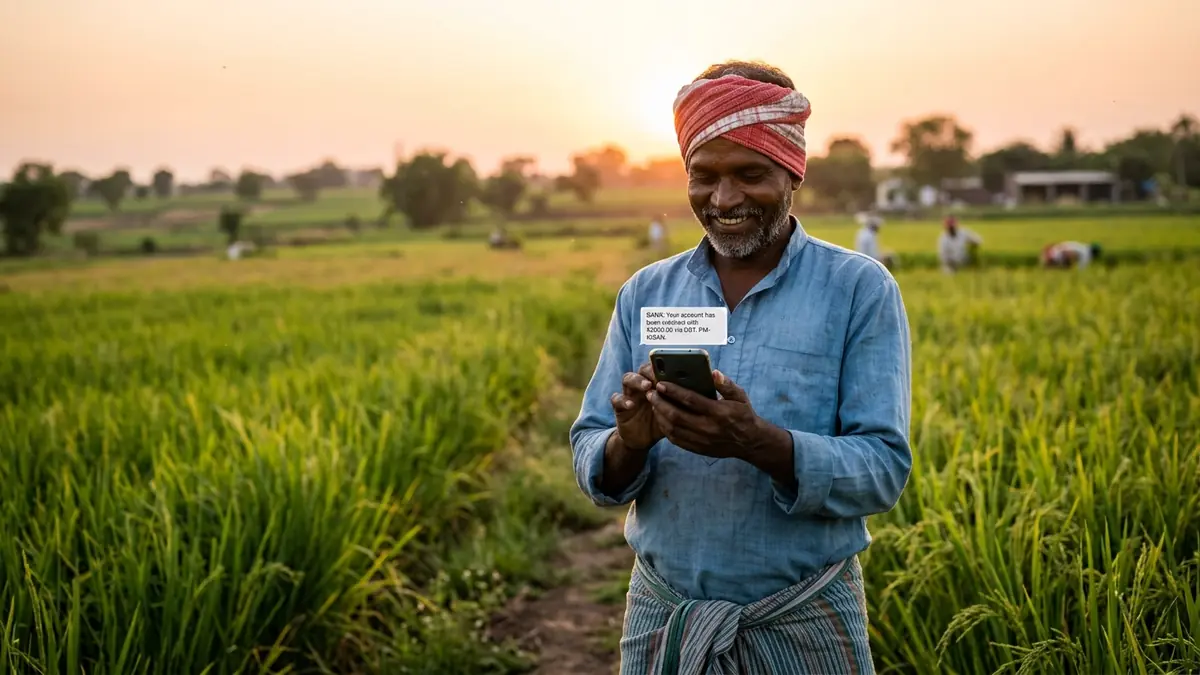
- PM Kisan KYC is a mandatory statutory requirement under the Pradhan Mantri Kisan Samman Nidhi scheme; unverified farmer profiles face an immediate administrative freeze on their Rs 2,000 four-monthly installments.
- There are three official ways to complete eKYC: (1) Self OTP-based eKYC on pmkisan.gov.in (free), (2) Biometric fingerprint/iris scanning at Common Service Centres (CSC fee Rs 15), and (3) Face Authentication on the official PM-KISAN Mobile App (free, biometric-free).
- To check your live eKYC status, open the "Know Your Status" tab on pmkisan.gov.in, enter your registration number, and verify that the "e-KYC Status" indicator displays a green "YES".
- If your Aadhaar is not linked to an active mobile number, you cannot use the OTP method; you must either complete facial authentication on a smartphone or visit a CSC for biometric authentication.
- Common errors like "Invalid OTP", "Biometric Mismatch (Error 300)", and "Record Already Done" can be solved through browser cache resets, using the UIDAI Face RD service, or verifying Bhulekh land seeding records.
- Official support helplines for resolving eKYC discrepancies include the PM-KISAN National Toll-Free Helpline (155261 / 1800-11-5526) and the Kisan Call Centre (1800-180-1551).
The Pradhan Mantri Kisan Samman Nidhi (PM-KISAN) scheme provides vital income support to landholding farmer families across India, transferring Rs 6,000 annually in three direct installments of Rs 2,000 each. To prevent fraudulent claims, eliminate non-eligible ghost beneficiaries, and comply with the Aadhaar (Targeted Delivery of Financial and Other Subsidies, Benefits and Services) Act, the Ministry of Agriculture and Farmers Welfare made electronic Know Your Customer (eKYC) strictly mandatory for every enrolled cultivator.
Without an authenticated eKYC record, the central Public Financial Management System (PFMS) automatically withholds the generation of the Fund Transfer Order (FTO), leaving legitimate farmers wondering why their expected Rs 2,000 credit failed to reach their bank account. Fortunately, the government has established three distinct digital channels—web OTP, biometric scanning, and artificial intelligence face authentication—ensuring every farmer can complete their verification regardless of technological literacy.
How to Check PM Kisan KYC Status Online
Before attempting a new verification, farmers should always check whether their profile is already authenticated in the central database. If your eKYC is already active, attempting to resubmit details will trigger a confusing "Record Already eKYC Done" prompt.
Follow these exact steps to check your real-time PM Kisan KYC status on the official portal:
- Visit Official Portal: Open your web browser and go to the official PM-KISAN website at pmkisan.gov.in.
- Navigate to Farmers Corner (which links to the PM Kisan national portal): Scroll down the homepage to find the "Farmers Corner" grid on the right side of the screen.
- Open Know Your Status: Click on the "Know Your Status" tile to access the beneficiary verification screen.
- Enter Registration Number: Type your 11-digit PM-KISAN Registration Number (e.g., UP102938475, MH293847561). If you do not have this number, click "Know Your Registration Number" and retrieve it using your Aadhaar number and OTP.
- Solve Captcha & Submit: Enter the security captcha characters, click "Get OTP", enter the verification code received on your phone, and submit.
- Inspect Verification Indicators: Look at the "Eligibility Status" drawer. Verify that "e-KYC Status" displays a green checkmark with "YES". If it displays a red cross with "NO", your authentication is incomplete.
The Three Official Modes of Completing PM Kisan eKYC
The Department of Agriculture & Farmers Welfare, in collaboration with the Ministry of Electronics and Information Technology (MeitY) and the National Informatics Centre (NIC), has provided three distinct, legally valid methods to complete eKYC verification. Farmers can select whichever mode matches their connectivity, device access, and Aadhaar-mobile linkage.
Mode 1: OTP-Based eKYC on the Official Web Portal (Free)
The OTP-based web verification mode is the fastest method for beneficiaries whose active personal mobile number is linked with their 12-digit Aadhaar card in UIDAI records. This service is available 24 hours a day, 7 days a week, and is completely free of charge.
- Step 1: Go to pmkisan.gov.in and click on the "e-KYC" button displayed prominently at the top of the "Farmers Corner" box.
- Step 2: Enter your 12-digit Aadhaar Number in the input field and click "Search".
- Step 3: Enter your 10-digit Aadhaar-registered mobile number and click "Get Mobile OTP".
- Step 4: Enter the 4-digit PM-KISAN portal OTP received via SMS and click "Submit OTP".
- Step 5: The portal will now trigger a secure API call to UIDAI servers, dispatching a 6-digit Aadhaar authentication OTP to your UIDAI-registered phone number.
- Step 6: Enter the 6-digit Aadhaar OTP, select the consent checkbox, and click "Submit For Auth".
- Step 7: If the verification succeeds, the screen will display the message: "EKYC is successfully submitted". Your profile will update to e-KYC: YES within 24 hours.
Mode 2: Biometric eKYC at Common Service Centres (Assisted)
If an elderly farmer does not have a mobile number linked to their Aadhaar, or if the registered SIM card is lost, damaged, or inactive, OTP verification will fail. In such scenarios, the farmer should visit the nearest Common Service Centre (CSC) or check our KCC scale of finance guide, Village Level Entrepreneur (VLE) kiosk, or State Seva Kendra for assisted biometric authentication.
The CSC operator logs into the dedicated CSC PM-KISAN portal (csc.pmkisan.gov.in) using their digital credentials. The operator inputs the farmer’s Aadhaar number and connects a Standardised Testing and Quality Certification (STQC) certified biometric scanner (such as Morpho, Mantra, or Startek fingerprint sensor, or an iris scanner). The farmer places their thumb or index finger on the glass plate. Upon successful biometric matching against the UIDAI central database, the operator confirms the transaction. The official government-mandated service fee for biometric eKYC at a CSC kiosk is strictly capped at Rs 15.
Mode 3: Facial Authentication on the PM-KISAN Mobile App (AI-Powered)
In a revolutionary technological upgrade, the central government rolled out Face Authentication eKYC through the official PM-KISAN Mobile App. This AI-powered solution allows farmers to complete verification from home using an ordinary Android smartphone camera, requiring neither an OTP sent to an Aadhaar-linked number nor expensive external biometric fingerprint hardware.
- Download Required Apps: From the Google Play Store, download two official government applications: (1) "PM KISAN" app developed by NIC e-Gov Mobile Apps, and (2) "AadhaarFaceRD" developed by the Unique Identification Authority of India (UIDAI).
- Open PM KISAN App: Launch the PM-KISAN app, select your preferred language (Hindi, English, Bengali, Marathi, Telugu, Tamil, etc.), and log in using your Beneficiary Registration Number and MPIN / OTP.
- Select Face eKYC: On the dashboard, navigate to the "e-KYC through Face Authentication" feature.
- Provide Camera Permissions: The app connects securely with the AadhaarFaceRD background engine. Hold the smartphone camera steadily 1.5 feet away from the farmer’s face in a well-lit room.
- Perform Liveness Check: The camera software tracks eye blinks and head stillness to ensure biometric liveness. Once the green circle illuminates, the system captures the face scan.
- Instant confirmation: The biometric facial vector is verified against the UIDAI photo database in under 10 seconds. The screen displays "eKYC Completed Successfully" with zero paperwork.
Comparison of PM Kisan eKYC Verification Modes
The table below presents a comparative breakdown of all three eKYC mechanisms to help farmers determine the best pathway for their individual situation:
| Verification Method | Hardware / Tool Needed | Prerequisite Condition | Govt Authorized Fee | Turnaround Time | Best Suited Beneficiary |
|---|---|---|---|---|---|
| Portal OTP eKYC | Smartphone or PC browser | Aadhaar must be linked to active mobile | 100% Free | Under 2 minutes | Farmers with active Aadhaar mobile linkage |
| CSC Biometric eKYC | STQC Fingerprint / Iris Scanner | Physical presence of beneficiary at CSC | Rs 15 (Fixed ceiling) | 3 to 5 minutes | Elderly farmers without linked mobile numbers |
| Face Auth Mobile App | Android phone + AadhaarFaceRD app | Clear lighting & camera access | 100% Free | Under 1 minute | Rural households with smartphone access |
| Krishi Sakhi Doorstep | Department tablet / micro-ATM | Organized village saturation drive | Free of charge | On-the-spot | Remote village clusters and disabled farmers |
| Aadhaar Seva Kendra | UIDAI Registrar demographic kit | Physical visit to District Aadhaar centre | Rs 50 (UIDAI update fee) | 24 to 48 hours | Beneficiaries needing complete mobile number change |
Troubleshooting Common PM Kisan eKYC Errors & Solutions
Due to massive concurrent user traffic and intermittent synchronization lags between state agriculture databases, UIDAI biometric gateways, and the central PM-KISAN portal, beneficiaries frequently encounter technical errors during eKYC. Below are proven, step-by-step solutions for every major error code:
1. "Invalid OTP" or "OTP Expired" Error
This error occurs when network latency delays the SMS delivery beyond the 120-second validity window. To resolve this: (a) Do not click "Resend OTP" multiple times consecutively, as this invalidates earlier codes; wait at least 3 minutes between attempts. (b) Clear your mobile browser cache and cookies, or switch to Google Chrome in Incognito mode. (c) Perform the verification during off-peak hours—specifically early in the morning (6:00 AM to 8:30 AM) or late in the evening (after 9:00 PM) when UIDAI API congestion drops dramatically.
2. "Biometric Mismatch (Error 300)" at CSC
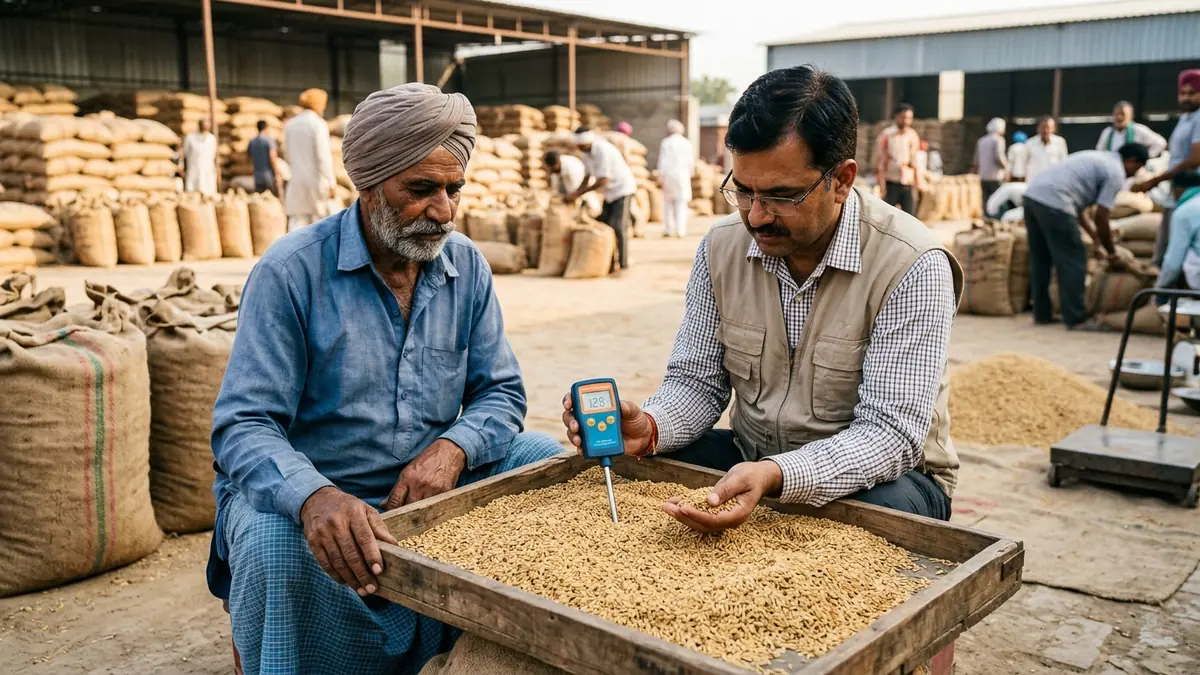
Agricultural manual labor often causes superficial wear, cuts, or calluses on fingertip ridges, preventing optical sensors from capturing sufficient minutiae points. If fingerprint scanning fails repeatedly: (a) Request the CSC operator to switch to an STQC-certified Iris (eye) scanner, which has an authentication success rate exceeding 99%. (b) Wash hands with mild soap and warm water, dry thoroughly, and apply light moisturizer to enhance dermal ridge contrast. (c) Alternatively, abandon the fingerprint scanner entirely and use the PM-KISAN Mobile App Face Authentication feature.
3. "Record Already eKYC Done" Notification
If the portal flashes "Record Already eKYC Done", your electronic KYC is already fully validated in the central database. If you still have not received your Rs 2,000 installment despite this message, the stoppage is NOT caused by eKYC. Instead, examine your "Know Your Status" dashboard for two other mandatory compliance checkpoints: (1) "Land Seeding: NO", which requires submitting land Khatauni records to your Lekhpal, or (2) "Aadhaar Bank Seeding Status: Inactive", which requires submitting an NPCI DBT Mandate Form at your bank branch or opening an IPPB account.
4. "Server Timeout / HTTP Error 500 / 504 Gateway Lag"
Whenever the Ministry announces an upcoming installment release date, millions of users flood the portal simultaneously, straining the NIC server infrastructure. If the portal hangs or crashes, avoid repeated submissions that lock your session. Wait 12 to 24 hours or complete the process seamlessly via the mobile app, which routes traffic through dedicated microservices optimized for mobile networks.
Role of eKYC in DBT Bharat & Aadhaar Payment Bridge
Under the Direct Benefit Transfer (DBT) guidelines enforced by the Ministry of Finance, no central welfare allocation can be disbursed without continuous biometric or demographic deduplication. The primary objective of PM Kisan eKYC is to ensure that the individual claiming the agricultural income support is alive, physically verifiable, and strictly conforms to scheme guidelines.
Completing eKYC synchronizes your demographic identity across three crucial government platforms: (1) The PM-KISAN national registry (pmkisan.gov.in), (2) The UIDAI Aadhaar demographic and biometric vault (uidai.gov.in), and (3) The National Payments Corporation of India (NPCI) NACH mapper that directs funds through the Aadhaar Payment Bridge. Once authenticated, your profile receives green flags across all three pillars, guaranteeing uninterrupted receipt of all future four-monthly financial releases.
Frequently asked questions
- Is eKYC mandatory for receiving PM Kisan installment payments?
- Yes. The Ministry of Agriculture and Farmers Welfare has made eKYC mandatory for all registered PM-KISAN beneficiaries on pmkisan.gov.in. Without completing eKYC, the central government system will not generate the Fund Transfer Order (FTO), and the Rs 2,000 installment will be withheld. Cultivators can plan seasonal farm finances using our crop income calculator.
- How can I do PM Kisan eKYC online on my mobile phone for free?
- Visit the official portal, tap "e-KYC" under Farmers Corner, enter your 12-digit Aadhaar number, type your Aadhaar-registered mobile number, and submit the portal OTP. Then enter the 6-digit Aadhaar OTP sent by UIDAI to complete verification in under two minutes for free. You can track full payment credit using our PM Kisan payment status guide.
- What should I do if my mobile number is not linked to my Aadhaar card?
- If your mobile number is not linked with Aadhaar, you cannot use the web OTP method. Instead, you can: (1) Use Face Authentication on the official PM-KISAN Mobile App using your smartphone camera, or (2) Visit any Common Service Centre (CSC) to complete biometric fingerprint/iris eKYC for a fee of Rs 15. Cross-check your profile with our PM Kisan status check guide.
- How can I check if my PM Kisan eKYC is already completed?
- Go to the official portal, click on "Know Your Status", enter your 11-digit registration number and captcha, and submit the OTP. Under the "Eligibility Status" section, verify whether "e-KYC Status" displays "YES" with a green checkmark. Alternatively, use our PM Kisan beneficiary status tool.
- What is the government fee for completing PM Kisan eKYC at a CSC centre?
- The government has officially fixed the service charge at Rs 15 per beneficiary for biometric eKYC at Common Service Centres (CSC). If any VLE or kiosk operator demands additional money, farmers can report them on the PM-KISAN helpline at 1800-11-5526.
- Why does the portal say "Record Already eKYC Done" when I try to verify?
- This message indicates that your Aadhaar demographic and biometric authentication is already successfully validated in the PM-KISAN database. You do not need to repeat eKYC; check your land seeding via our state Bhulekh portal directory and verify bank account status via our PM Kisan balance check guide.
- How does Face Authentication eKYC work on the PM-KISAN Mobile App?
- Download the "PM KISAN" app and the "AadhaarFaceRD" app from the Google Play Store. Log in with your registration number, select Face eKYC, and hold your phone camera steadily in front of your face. The app detects facial features and eye blinks to authenticate your identity directly with UIDAI.
- Can I also avail crop loan interest subsidies once PM Kisan eKYC is active?
- Yes. Farmers with verified PM Kisan eKYC receive expedited processing for concessional 4% crop loans. You can estimate your entitlement with our Kisan Credit Card loan calculator and plan farm finances with our crop income calculator.
This article is for general information only and is not financial advice. Loan and scheme eligibility depends on partner and government criteria.